PlaneWX Labs
Pro PlusEarly access to tools still in development. What ships today: the Altitude Profile cross-section on Pro Plus, and Self Debrief on every plan. Beta quality, useful, not a substitute for the briefing.
Labs means beta
These surfaces can change, disagree with the scored briefing, or be wrong. The WX Score and the briefing narrative remain the decision-support product. You stay PIC.
Altitude Profile
A vertical cross-section of your route: winds, clouds, icing, and turbulence by altitude, with a recommended cruise. It is the same engine documented on the Altitude Advisor help page, gated to Pro Plus as a Labs surface.
Open it from a trip briefing when you want to compare altitudes, not as a replacement for reading the icing and turbulence sections.
From the trip Route Map, you can open the route on windy.com.
Self Debrief
A structured look back after you land: how you flew, what the weather did, and what to take into the next trip. It does not change your WX Score. See the Self Debrief help page. Self Debrief is on every plan, Free included.
AI assistant connector
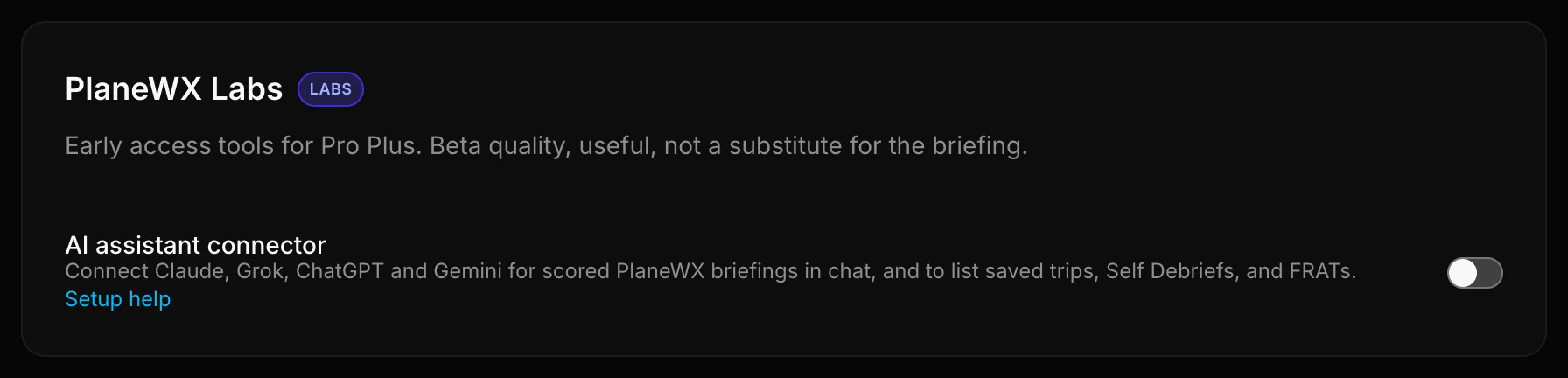
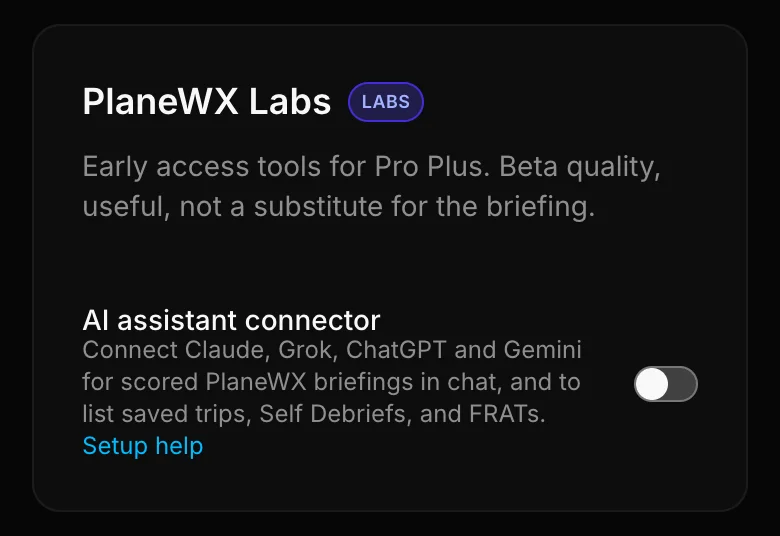
Connect PlaneWX to Claude, Grok, ChatGPT, Gemini and Perplexity for scored WX Scores and departure windows in chat, and to list saved trips, Self Debriefs, and FRATs. Pro Plus Labs (Enterprise included). Turn it on under Profile, Preferences, PlaneWX Labs. See the Connect AI assistant help page.
Labs is how we ship tools that are useful enough to fly with and honest enough to label unfinished. If something here earns its way into the core briefing, it will leave Labs and show up in the main help index under its own name.